Appointment booking
A practice calendar
by dentist and by chair
The whole team’s week is in one place. Drag an appointment to move it and open the chart straight from the calendar.
- Day and week
- Several dentists and chairs
- Computer and tablet
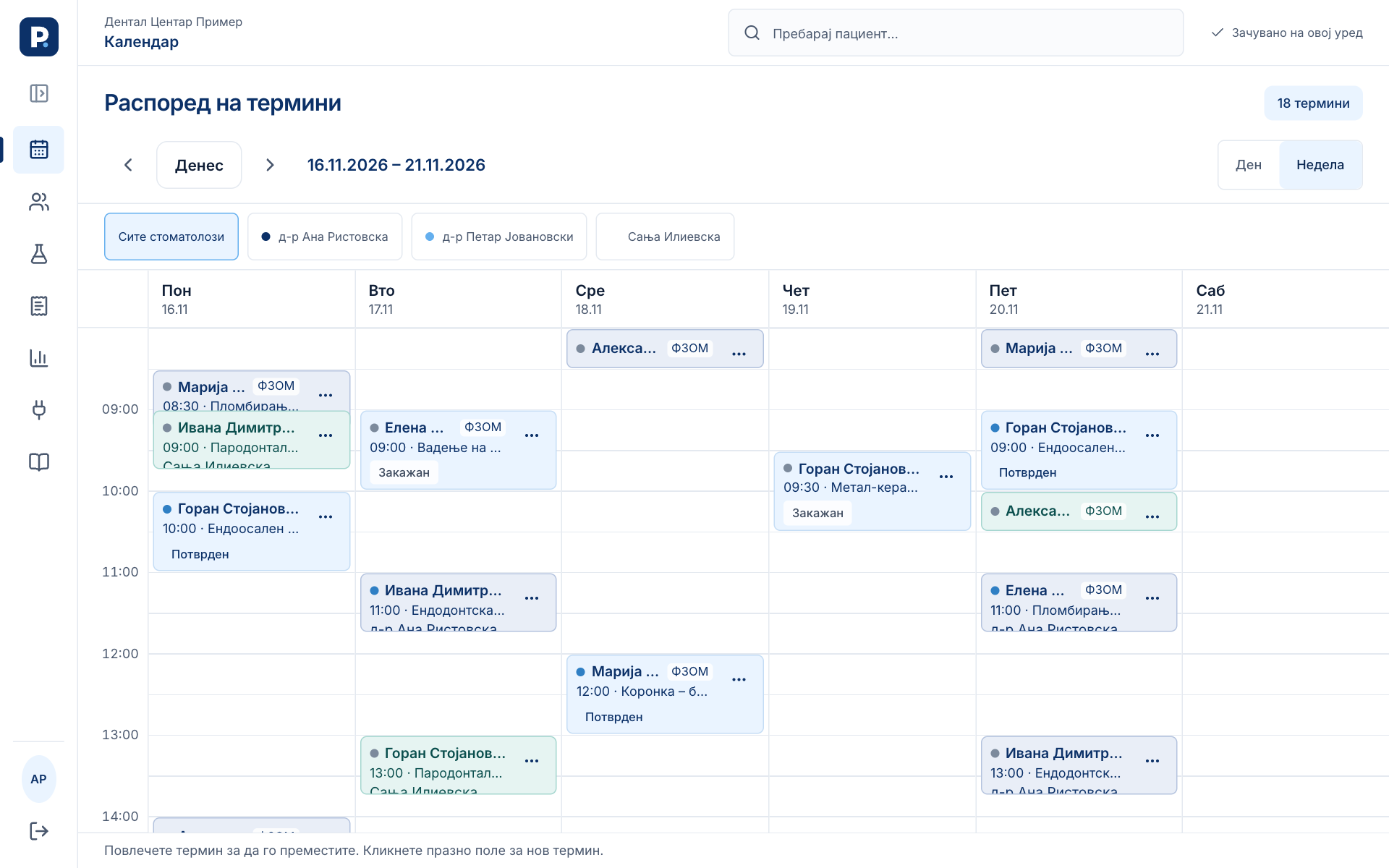
What works in the calendar
Drag to move
Drag an appointment to another time, or stretch it when you need longer.
Overlaps
The program warns you while you move an appointment, before saving.
Breaks and absences
A break, meeting or day off is marked in the schedule.
New patient from the calendar
Reception adds a new patient without leaving the schedule.
One appointment, step by step
Choose a free time
See which dentist and chair are free.
Add the patient
Existing or new, from the same place.
Open the chart
One click, with warnings at the top.
Move it if needed
The patient is late: drag the appointment.
Do patients get reminders?
Not automatically yet. Reminders by Viber, WhatsApp and SMS are being introduced.
Is it connected to Moj Termin?
Not yet. We have asked the institutions for access.
What if the internet goes down?
The open calendar stays visible. New entries need a connection, for example through your phone.
See your own week in Praxa
Leave your contact, we call you, show you the program and open your account. No card.
Try free for 30 days